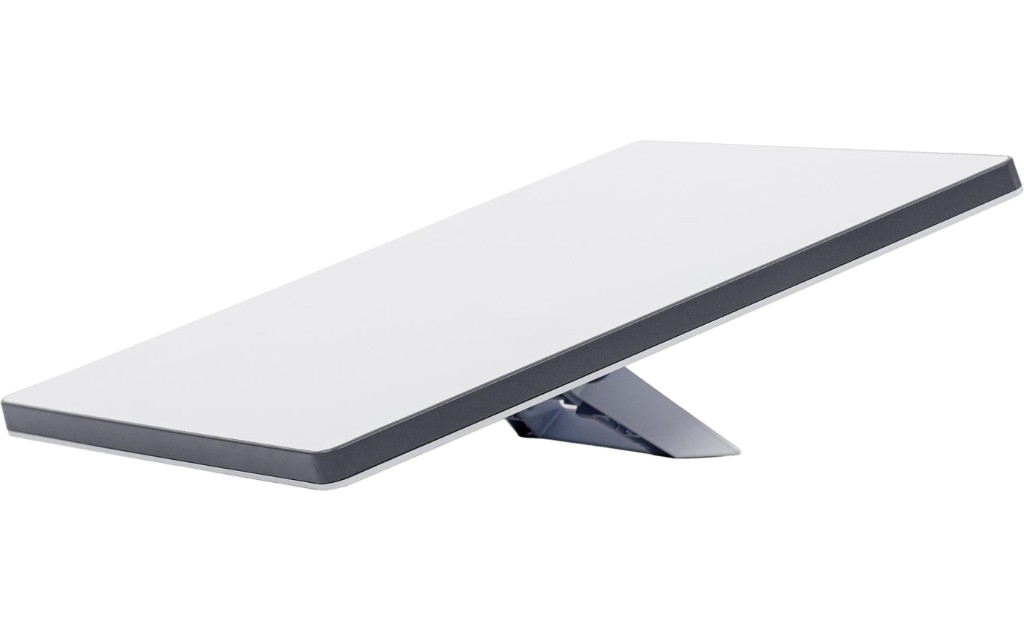
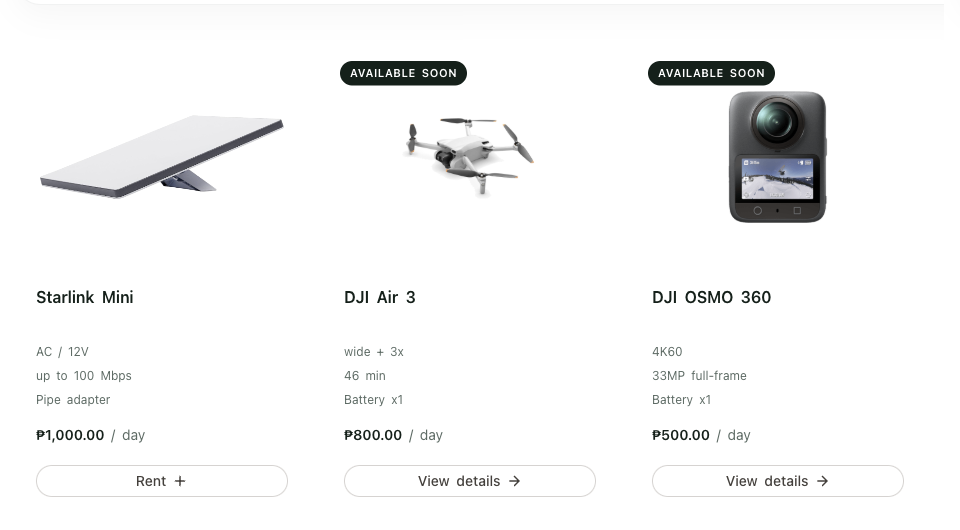
Starlink Mini
- AC / 12V
- up to 100 Mbps
- Pipe adapter
₱1,000.00 / day
Cameras / Drones / Starlink
Rent high-quality equipment for travel, events, content, and more. Simple. Secure. Hassle-free.
Browse Equipment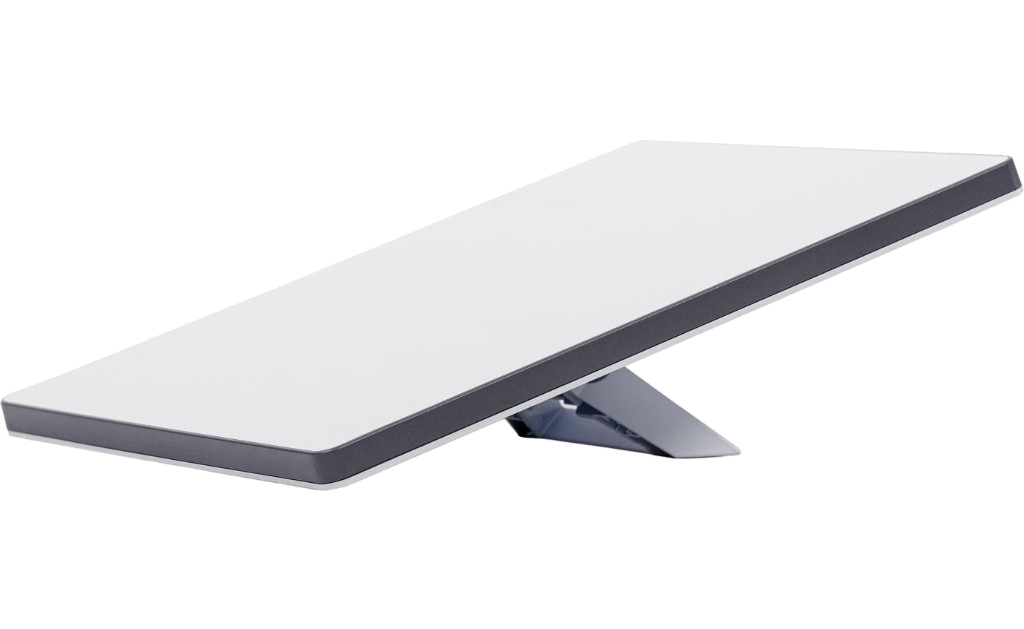
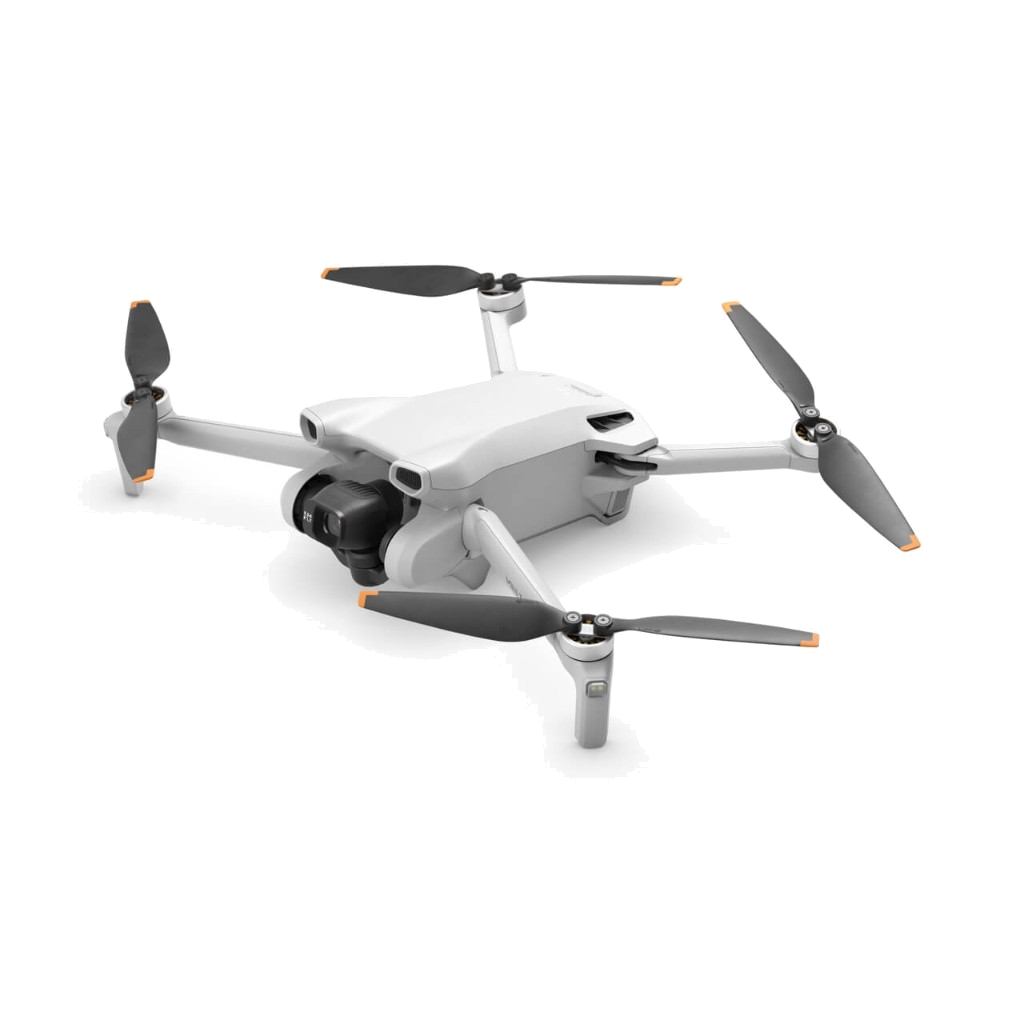
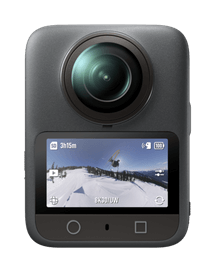
Everything currently listed for rent.
₱1,000.00 / day
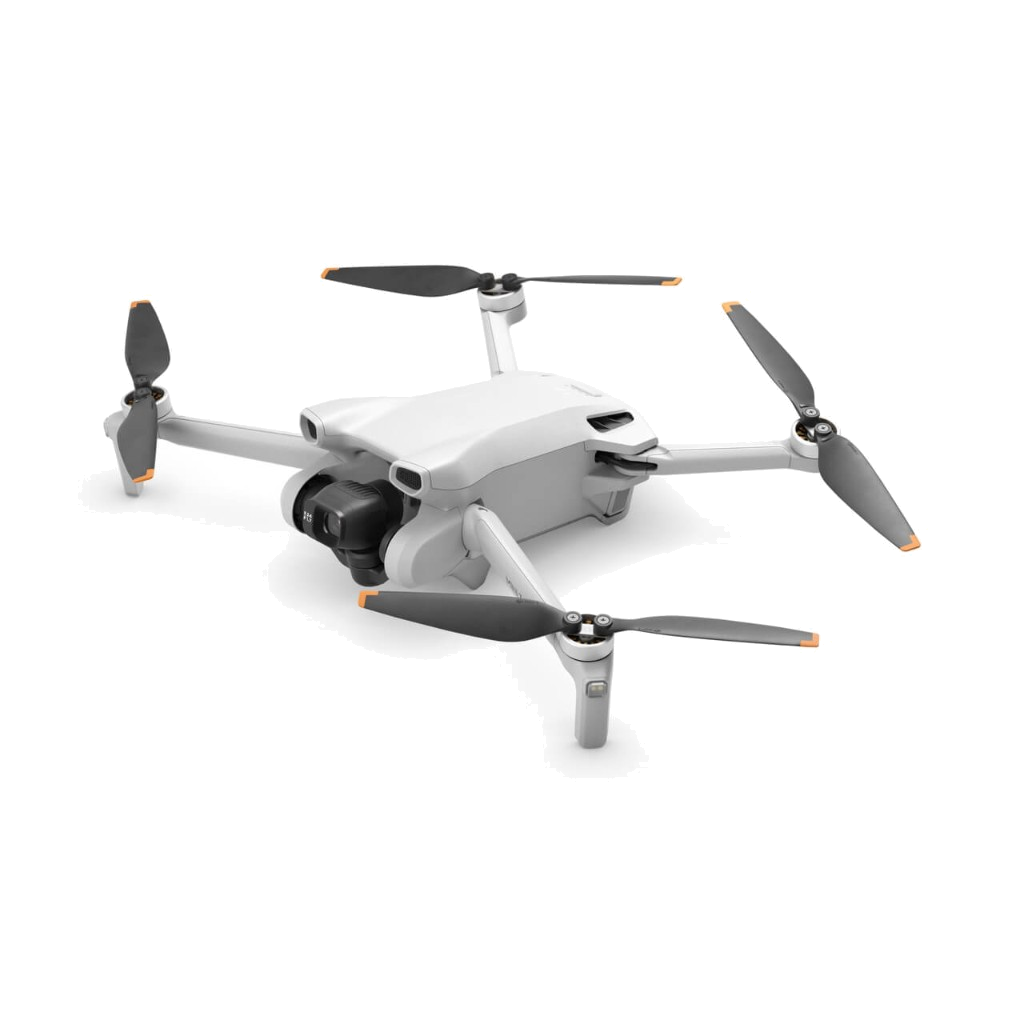
₱800.00 / day
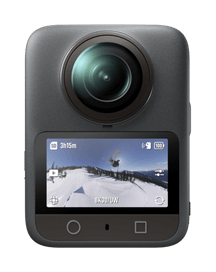
₱500.00 / day
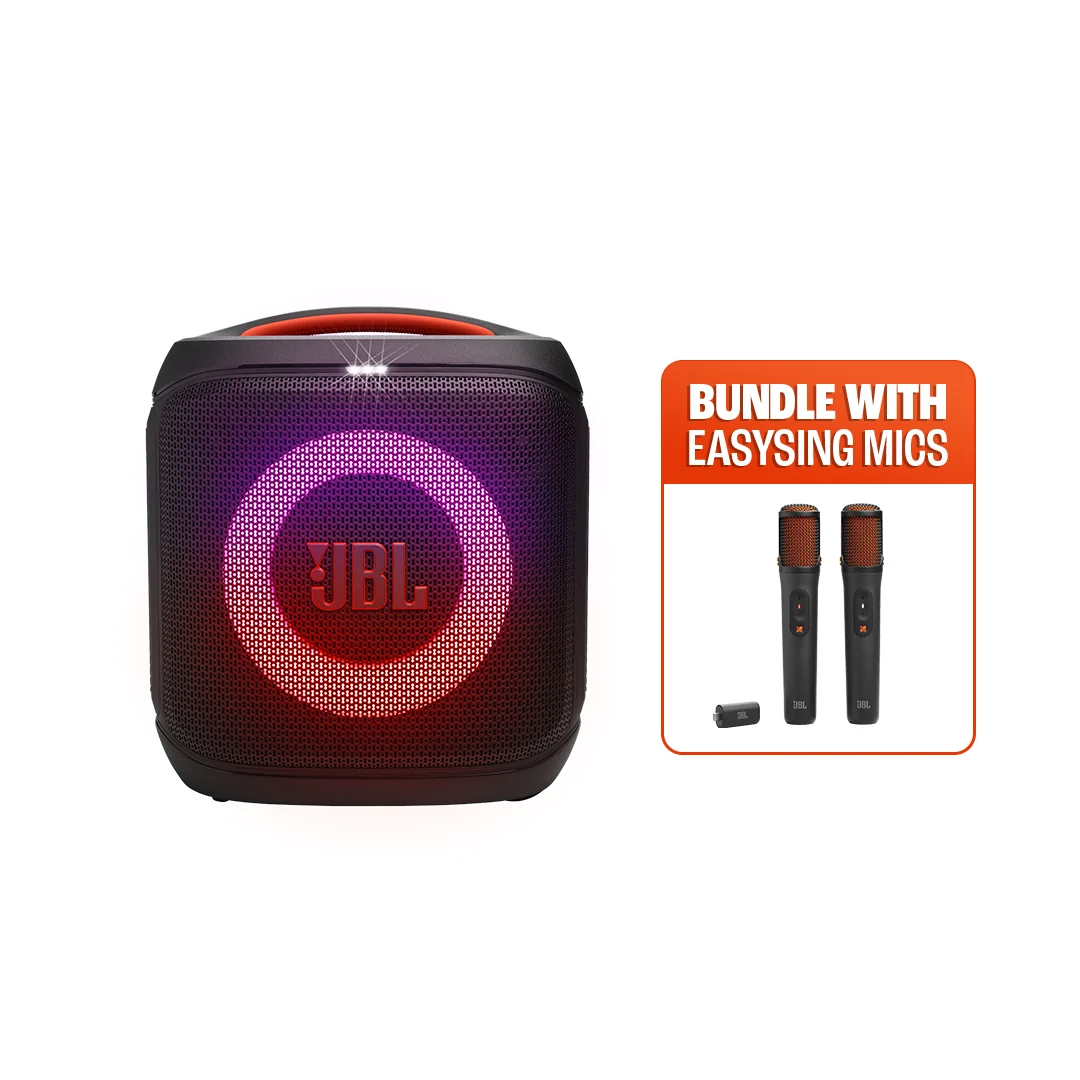
₱1,000.00 / day

₱200.00 / day
₱100.00 / day
Browse the catalog, lock your dates, and send a rental request. After you book, message us so we can confirm it and answer anything else you need.
Open Equipment and pick the equipment you need. Each listing shows the daily rate and what is included.
Swipe the picture to see the full screen.
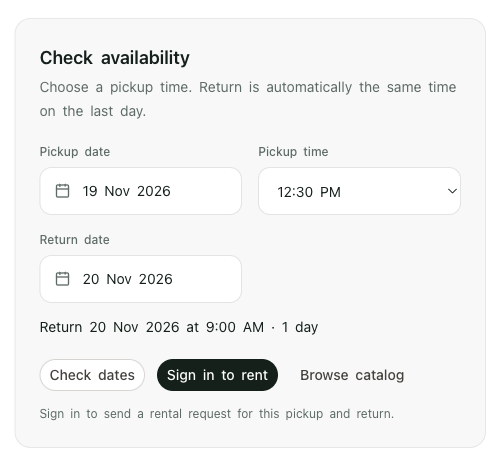
On the kit page, choose a pickup date, a pickup time, and a return date. Crossed-out days are fully booked. Check the dates, then continue when a unit is available. Return is the same time on the last day.
Sign in or create an account. Confirm your name and mobile number, add a note if you want pickup, meetup, or delivery, then submit the rental request.
Finish the rental agreement and upload your ID photos. The shop reviews these with the request before the booking is confirmed.
Open the booking, choose a payment method, and scan the QR code shown there. Pay the rent plus the deposit for that booking.
After the booking is sent, message the JRY Rentals Facebook page or Instagram. Send your booking code so we can confirm it, and ask anything else you need to know about pickup, delivery, or the kit.
Collect the gear by pickup, meetup, or delivery. Bring everything back at the same time on the return date.